 EaseMate AI
Exam preparation
A long syllabus becomes a sequence of topics, practice questions, and short review blocks that are easier to follow.
Build an exam planA calmer study workspace
When notes, readings, deadlines, and drafts pile up, EaseMate AI gives students a practical way to plan, understand, and improve their work in one browser-based workspace. Start with a question, a passage, or a rough idea and turn it into a useful next step.
Try EaseMate AI free
Understand the lesson
Organize the workload
Built around real student moments
The hardest part is often not one difficult question. It is the friction between finding the key idea, deciding what matters, writing a first draft, and checking whether the result is sound. These focused use cases show how EaseMate AI can support that process without replacing a student's judgment.
A long syllabus becomes a sequence of topics, practice questions, and short review blocks that are easier to follow.
Build an exam planDense articles can be reframed as summaries, definitions, and follow-up questions before a student writes their own notes.
Turn reading into questionsStart with an outline, clarify the brief, or ask for feedback on structure before polishing the student's own writing.
Shape a first outlineA confusing process can become a plain-language explanation, comparison, or diagram that makes relationships easier to see.
Explain a hard conceptThree practical passes
A useful student workflow can stay simple: plan the task, learn through active questions, then polish the final result. EaseMate AI helps connect those stages so students spend less time formatting prompts and more time deciding what they understand.
Describe the deadline and subject, then ask for a realistic sequence of study blocks.
Request an explanation at your level, followed by questions that test recall instead of passive rereading.
Use feedback to find gaps in structure, evidence, clarity, or tone before submitting your own work.
A useful estimate, not a promise
Try a rough input and see how a structured request can create a more manageable starting point. The calculator uses an illustrative estimate of 35% time saved when notes are already reasonably clear; actual results depend on the subject, source quality, and the amount of checking a student does.
Study time helper
Use the result as a planning prompt, then verify explanations and sources before relying on them.
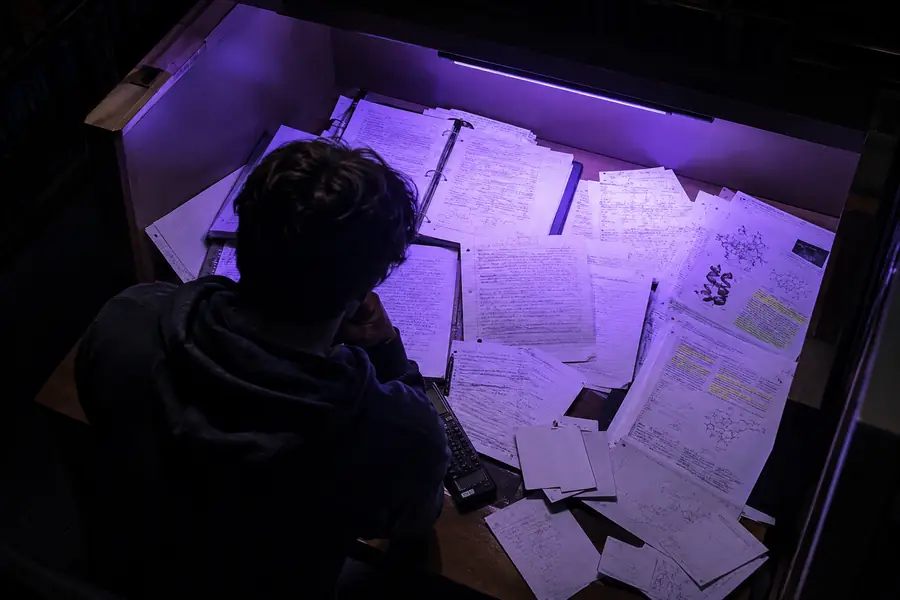

“Turn these lecture notes into a five-day review plan, explain the three hardest ideas in plain language, and finish with a short quiz.”
Use AI responsibly
EaseMate AI can support learning, but it should not become a shortcut around course rules or personal responsibility. Before submitting anything, compare the response with the original materials, follow your institution's policy, and make sure the final work reflects your own understanding.
The strongest use of an AI assistant is collaborative: ask it to clarify, challenge, organize, or suggest, then decide what is accurate and useful yourself. That approach makes study time more active and keeps the student's work authentic.
Questions students ask first
These quick answers explain where a free student workflow is most useful and where careful review still matters.
Yes. Begin with the subject, the assignment, and what feels confusing. EaseMate AI can help turn that rough request into clearer questions or a short plan.
Students can use EaseMate AI to brainstorm, summarize supplied material, explain concepts, create practice questions, organize notes, and review a draft's structure.
No. Treat an answer as a starting point. Check important claims, compare it with class materials, follow academic rules, and rewrite the final response in your own voice.