DANCE 2.5, Limited-Time Offer. GET STARTED
EaseMate AI logo EaseMate AI
English

A clear comparison for everyday AI work

A Practical EaseMate AI vs ChatGPT Comparison

This EaseMate AI vs chatgpt comparison looks beyond brand recognition. It compares the two assistants by workflow, creative output, study support, document handling, and how easily each one fits into a focused day.

Try EaseMate AI free

The short answer

The verdict at a glance

EaseMate AI is the stronger choice when you want one approachable workspace for writing, study, research, image creation, and other creative tasks. ChatGPT remains a capable general-purpose conversational assistant, especially when your work is centered on open-ended dialogue and broad text reasoning. The right answer depends less on which model sounds smartest and more on which environment reduces friction for your actual projects.

Dimension EaseMate AI ChatGPT
Best starting point A multi-tool creative and productivity workspace A flexible general chat and reasoning assistant
Study and workflow Purpose-built tools for writing, documents, diagrams, and learning Strong conversation-led help with a broad knowledge workflow
Creative image tools A prominent part of the workspace, with several visual transformations Useful image conversations and creation, depending on access and task
Document and PDF tasks Designed for summarizing, questioning, and working through files Effective when document analysis is available in your chat workflow
Tool discovery Clear routes to specialized creative and study utilities More capability is concentrated inside the conversation interface
Ideal user mindset “Help me turn an idea into finished work” “Help me think through this question”

Compare the experience

EaseMate AI vs ChatGPT, dimension by dimension

In practical use, EaseMate AI and ChatGPT overlap in conversation, drafting, explanations, and brainstorming. Their difference is the shape around those abilities. EaseMate AI puts more emphasis on moving from a prompt to a visual, document, lesson, or finished creative asset. ChatGPT keeps the conversation itself at the center, which can feel faster when you want one continuous thread.

Winner for a broad workspace

EaseMate AI

Choose EaseMate AI when your work changes shape during the day and you want study, writing, research, image, and video-oriented options close at hand.

  • Connects thinking, drafting, learning, and visual creation in one place.
  • Makes specialized tools easier to discover when a blank chat is not enough.
  • Works well for creators, students, marketers, and visual projects.
  • Its wider menu may feel like more choice if you only want a simple chat.
Winner for conversation-first work

ChatGPT

Choose ChatGPT when you prefer a familiar, dialogue-led experience for questions, ideation, coding help, and iterative text-based reasoning.

  • Strong for follow-up questions that stay inside one conversational thread.
  • Feels direct for explaining concepts, revising text, and testing ideas.
  • Useful when you already know the prompt and do not need a tool directory.
  • Specialized creative steps can require more prompting and manual organization.

Choose by workflow

Who each assistant suits

There is no universal winner for every prompt. The better assistant is the one that matches the way you begin, develop, and finish work. Use these three paths to decide without turning the choice into a permanent commitment.

When you create across formats
Choose EaseMate AI
It suits people who move from an outline to an image, presentation idea, study aid, or polished piece of content and want those routes visible in one workspace.
When the answer develops through dialogue
Choose ChatGPT
It suits researchers, programmers, and writers who prefer to keep refining one question through follow-ups, counterexamples, and conversational editing.
When your needs change by project
Use both thoughtfully
Keep ChatGPT for deep dialogue and use EaseMate AI when the next step is a specialized creative, document, study, or image workflow.

Chat: Keep a focused conversation moving from question to useful answer.

Images: Turn a visual idea into a more expressive creative direction.

Students: Build a study flow around explanations, notes, and practice.

Review: See the broader strengths and limits before choosing.

No hard switch required

A practical migration path

Moving from ChatGPT to EaseMate AI does not mean abandoning the habits that already work. Start with one repeatable task: summarize a document, plan a lesson, draft a campaign, or develop an image concept. Keep the prompt structure you know, then use EaseMate AI’s surrounding tools when the answer needs to become something more tangible. This gradual approach makes the comparison useful because you measure saved steps, not just the first response.

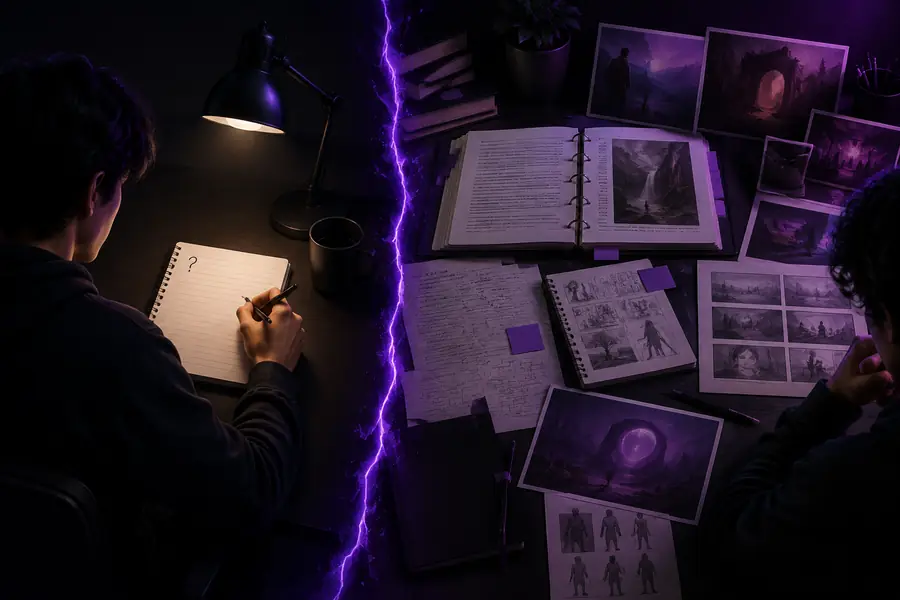
A starting AI prompt prepared for comparison
Starting point: one conversation prompt
A more developed creative result from an AI workflow
Next step: a developed creative result

The practical difference is the distance between an answer and an outcome: fewer disconnected tools, clearer next actions, and more room to keep creating.

Make the choice easier

Comparison FAQ

These answers focus on the questions people ask when comparing a specialized AI workspace with a familiar general assistant.

2 assistants worth comparing
6 useful decision lenses
1 next project to test
0 need for a permanent switch

“Better” depends on the job. EaseMate AI can be the better free starting point when you want creative tools, study support, document help, and image workflows gathered together. ChatGPT may feel better for a conversation-first task. The most useful test is to run one real project through both and compare the number of steps needed to finish.

EaseMate AI offers free ways to explore its assistant and creative tools, making it a practical alternative for many everyday prompts. Available features and usage can vary by tool, so check the workflow you care about rather than assuming every capability works identically across platforms.

No single assistant is best at every task. EaseMate AI is especially useful when a prompt needs to become a study aid, document result, visual, or creative output. ChatGPT remains valuable for long conversational threads and general reasoning. Using the right assistant for the stage of work is often more effective than insisting on one tool.