 EaseMate AI
The idea-led creator
Turn a promising thought into a focused angle, working title, hook, and short outline before recording begins.
Explore EaseMate AI chatYouTube workflow guide
EaseMate AI for YouTube online gives creators a practical place to move from a rough video idea to a clearer publishing package. Use EaseMate AI to outline a topic, shape a script, organize visual directions, and prepare supporting text without losing the thread between steps. It is a flexible assistant for the repeatable work around each upload, while you keep the final voice, facts, and editorial decisions.
Start planning a video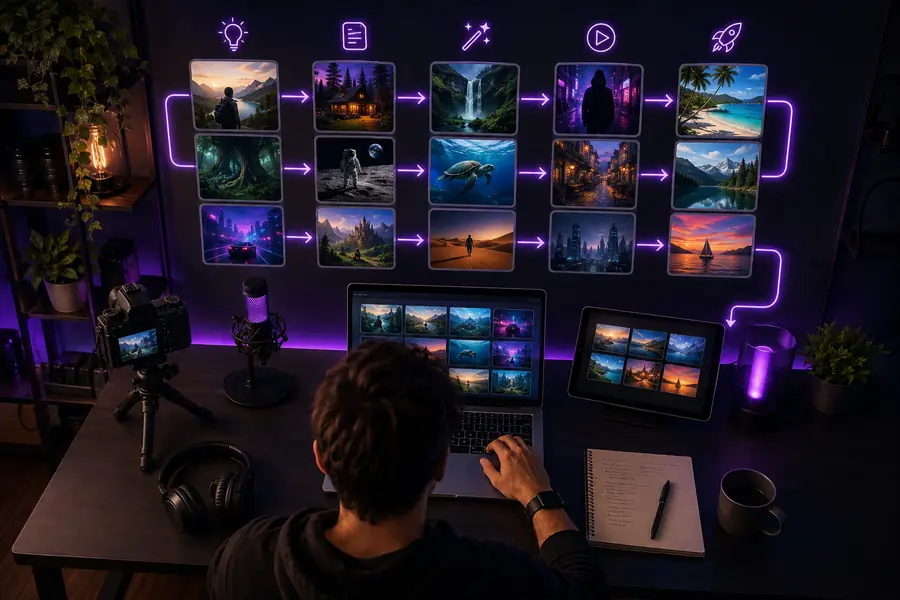
Most YouTube creators already have a rhythm: choose a topic, research it, draft a hook, make visuals, edit, and publish. EaseMate AI supports the handoffs between those stages instead of asking you to abandon the process that already works.
Turn a promising thought into a focused angle, working title, hook, and short outline before recording begins.
Explore EaseMate AI chatOrganize notes into a logical narrative, surface missing questions, and create a draft that is easier to verify and refine.
See EaseMate AI onlinePlan thumbnail concepts, scene references, and supporting artwork around the message your audience should remember.
Try the EaseMate AI image generatorReuse a clear briefing pattern for weekly uploads so planning takes less energy and your channel voice stays recognizable.
Open the EaseMate AI video generatorA practical insertion point
The strongest use is usually between a creator's raw idea and the final edit. EaseMate AI can help translate a topic brief into working material, then turn feedback into a cleaner next draft. Keep source checking, personal experience, and final publishing choices in your own hands.
| Pipeline attribute | Creator's starting point | EaseMate AI support |
|---|---|---|
| Topic direction | A rough idea | Angles, audience questions, and a focused promise |
| Opening hook | A blank first line | Several hook directions to select and rewrite |
| Script shape | Notes or scattered research | A sequence of sections, transitions, and prompts |
| Visual plan | Often handled later | Scene notes, image prompts, and thumbnail concepts |
| Repurposing | One finished video | Descriptions, short summaries, and follow-up ideas |
| Final judgment | Owned by the creator | Kept with the creator for accuracy and voice |
From rough input to usable assets
A useful YouTube workflow is visible in the change from an unstructured brief to a production-ready direction. The assistant accelerates organization; the creator still decides what deserves to be recorded and published.
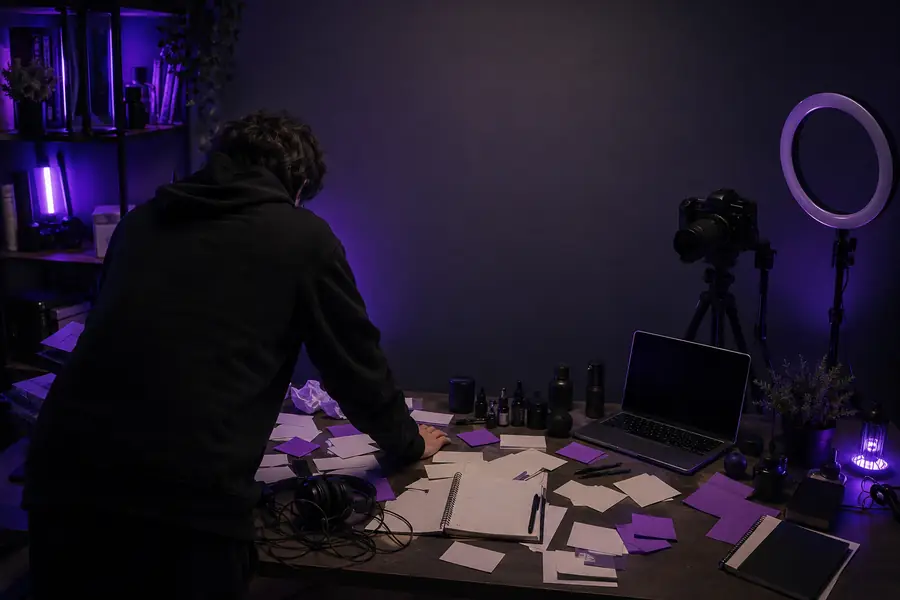
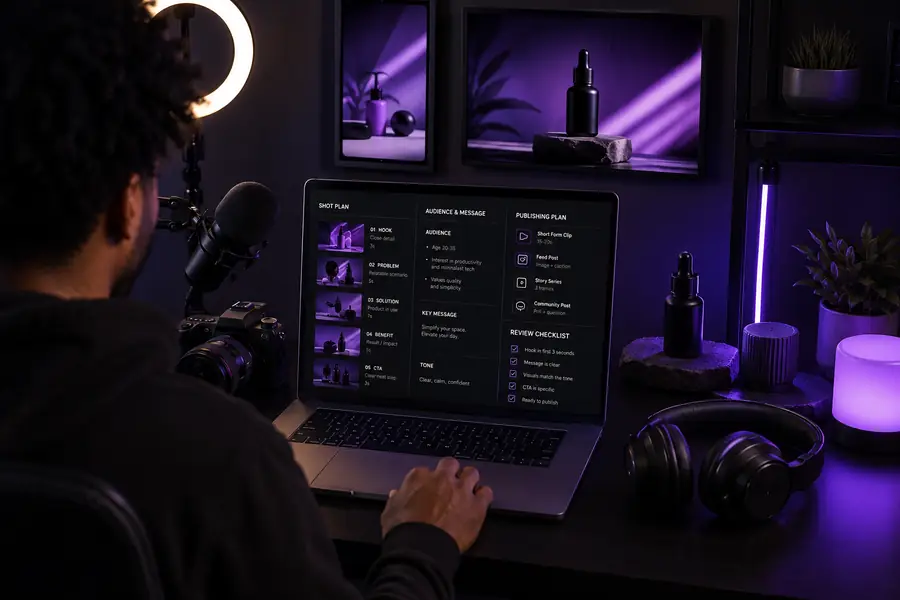
Give EaseMate AI the topic, audience, format, and outcome so the first draft has a useful boundary.
Ask for sections, talking points, visual cues, and supporting copy that match the way your channel is made.
Check every claim, add your experience, record in your voice, and use the finished plan as an editing reference.
A repeatable creator handoff
A compact brief is easier to hand from planning to filming, editing, or design. Ask for only the assets your next upload needs, then refine them in the same workspace before they reach production.
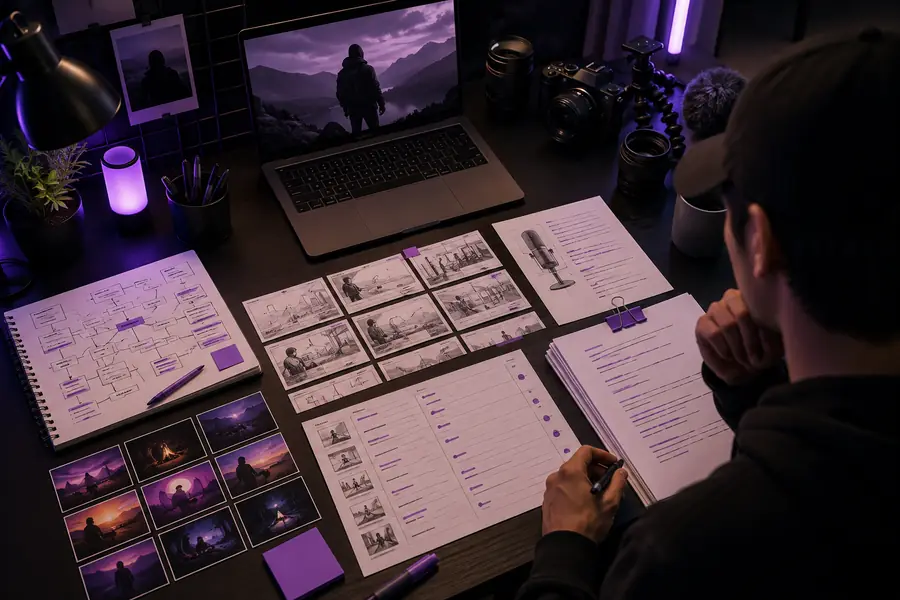
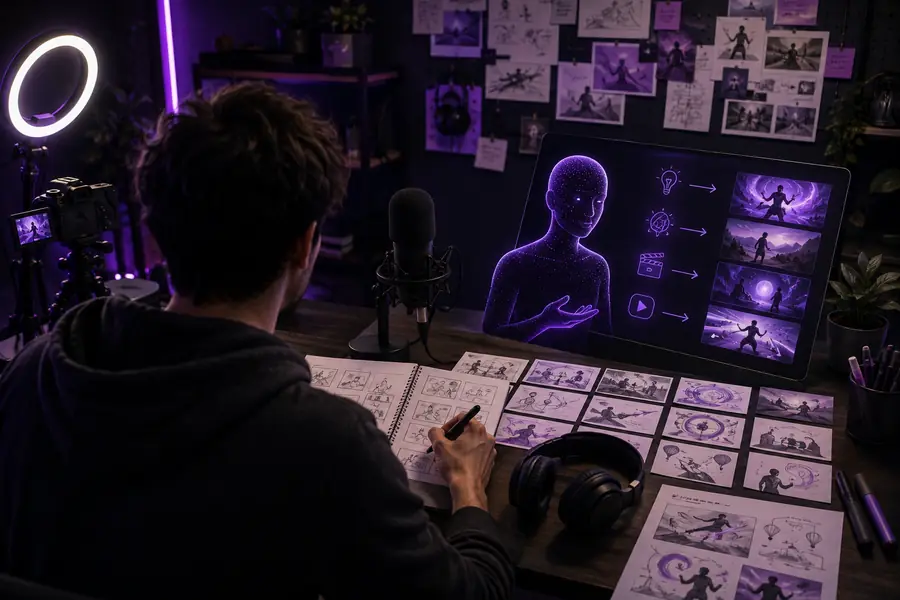
Pair conversation planning with visual creation when a topic needs more than text, or use the image-to-video route when a still concept should become a motion starting point.
Scenario FAQ
These answers focus on the practical question behind an online YouTube workflow: where an assistant helps, what it can prepare, and what remains yours.
Yes. Open the workspace in a browser and use it to organize video ideas, writing tasks, visual directions, and related creative work without installing a separate desktop editor.
It can help draft a structure, hooks, talking points, scene ideas, thumbnail directions, descriptions, and follow-up content that you review before publishing.
No. The creator remains responsible for the point of view, accuracy, footage, permissions, editing choices, and final channel decision.
It can be especially useful when one person handles planning, writing, visuals, and publishing, because a repeatable brief keeps those responsibilities connected.
Adjust the number of uploads to see a simple starting estimate for repeatable planning work.